When you're building a web application, one of the most important features you need to secure is the login system. It’s your first line of defence against unauthorized access.
And if it’s not secure, it opens the door for attackers to gain access to your users’ accounts and sensitive information.
One of the biggest vulnerabilities that web applications face is broken authentication, which occurs when an attacker can bypass your authentication system and impersonate legitimate users.
In the OWASP Top 10 2025, this falls under the Authentication Failures category.
In this blog, we’ll explore broken authentication and session management, why they are risky, and how to secure your login systems. You’ll also learn about authentication risks, session management, and ways to protect user data.
What is Broken Authentication?
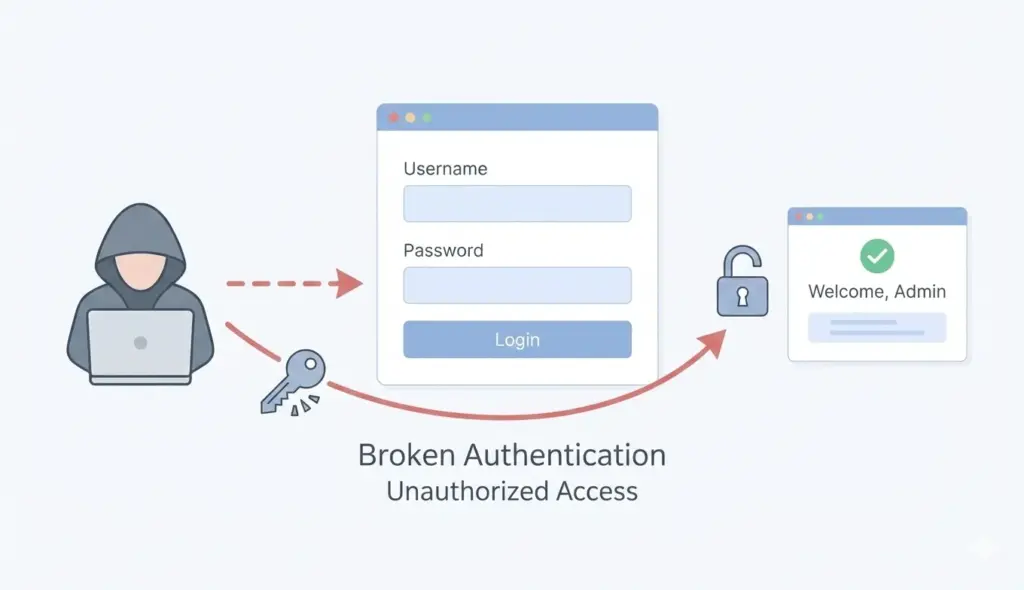
Before we go deeper, let’s take a moment to understand what broken authentication is. Put simply, broken authentication happens when an attacker can bypass or compromise your application’s login system.
This could be due to a weak password policy, improper session handling, or flaws in the login process design. It’s a serious vulnerability that can lead to unauthorized access, account takeovers, and data breaches.
Imagine this: your web application requires users to log in to access their accounts, but there are holes in the authentication process. You don’t enforce strong password policies or don’t properly manage user sessions.
This gives attackers an easy way to access your users’ accounts without their actual credentials. They might guess the password, steal the session cookie, or exploit vulnerabilities in the authentication flow to break into your system.
Why is Broken Authentication a Big Deal?
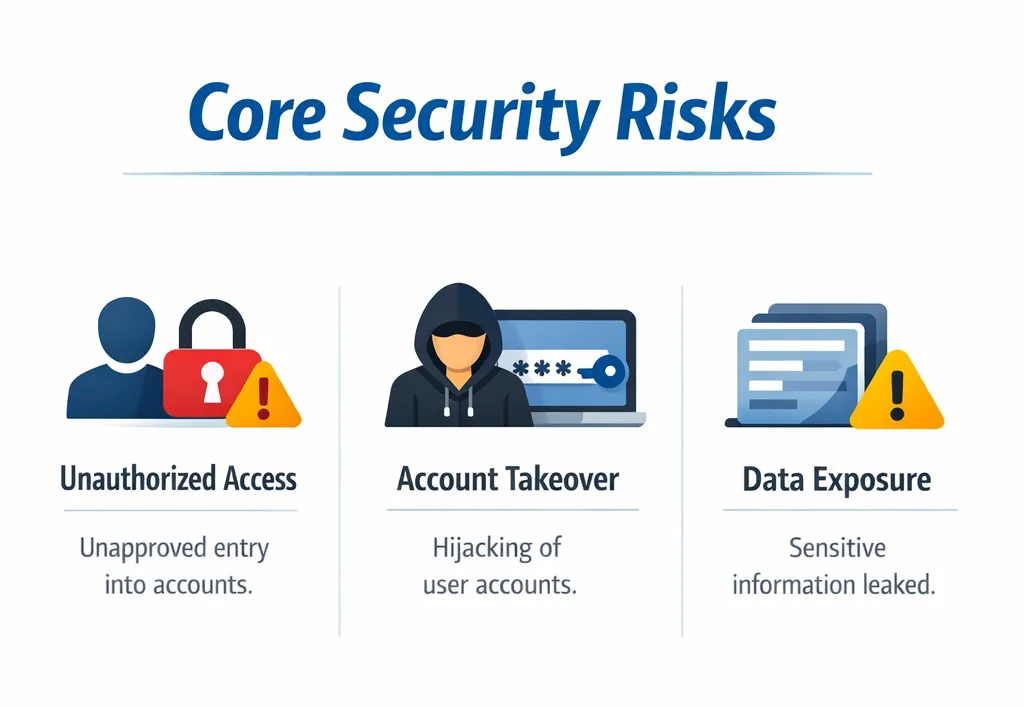
At its core, broken authentication is dangerous because it gives attackers unauthorized access to user accounts.
This means that sensitive information, like private emails, financial details, and even personal messages, can be exposed or misused.
Worse yet, attackers can impersonate legitimate users, escalate privileges, and cause damage to your system.
For example, if attackers gain access to an administrator account, they could take over your whole system, delete critical data, or steal sensitive information.
Can you understand the severity of the issue? It's extremely vital and requires immediate attention!
The Importance of Secure Session Management
Once a user has logged in, session management takes over. It ensures a user remains logged in while browsing your site and prevents unauthorized users from hijacking their session.
If you mishandle session management, even a user with a strong password could have their session hijacked, allowing attackers to impersonate them.
For instance, session tokens (the bits of information that identify a logged-in user) are like the “keys” to a user’s account. If someone can steal or guess those tokens, they can log in as the user. This is where session management becomes crucial.
What Makes Good Session Management?
Good session management ensures that:
- Sessions are securely stored and transmitted (usually via HTTPS).
- Users are automatically locked out after a period of inactivity or after they log out.
- Session tokens are random and unpredictable (so attackers can’t guess them).
- Session expiration is enforced after a specific time to decrease the chance of attackers.
Without solid session management, even a perfect authentication process can be undermined. Session hijacking becomes possible when tokens are not protected, allowing attackers to gain unauthorized access.
Common Broken Authentication Risks
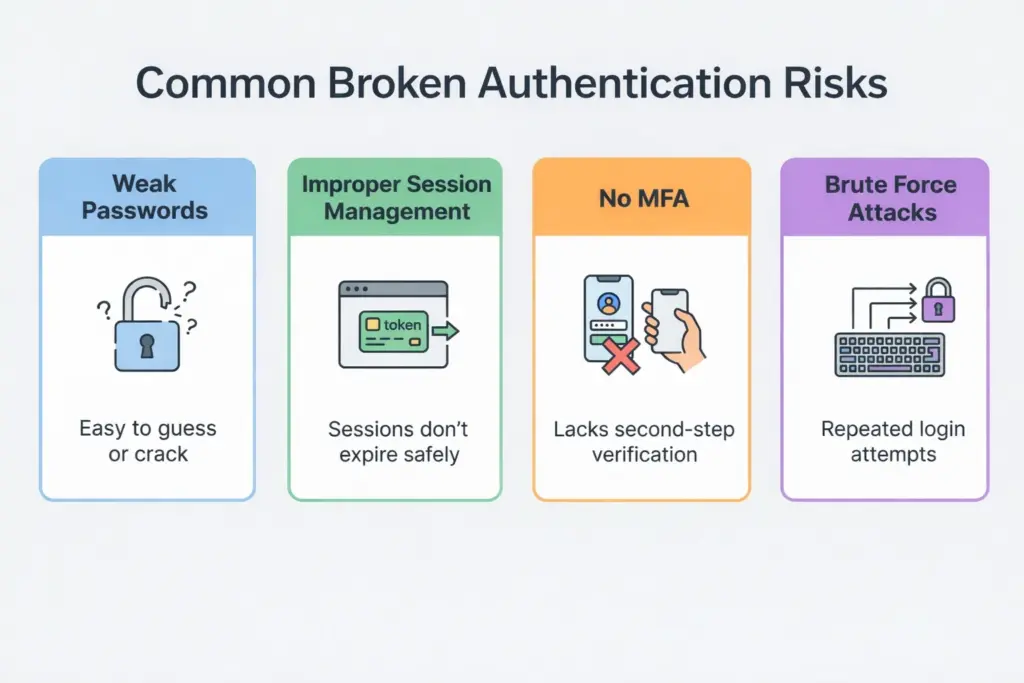
Now, let’s look at the most common risks associated with broken authentication. This will help you understand what to look out for when securing your login system.
1. Weak Password Policies
One of the most common causes of broken authentication is weak password policies. If your application allows users to set weak or easily guessable passwords, attackers can use brute-force attacks to guess them.
In these attacks, an attacker tries many password combinations until they find the correct one.
Even though enforcing strong passwords seems simple, it’s often overlooked.
Weak passwords like "password123" or "qwerty" make it easy for attackers to break into user accounts, especially when combined with a lack of rate-limiting or CAPTCHA protections.
2. Improper Session Management
As mentioned earlier, session management is a critical aspect of securing your login system. If session tokens are predictable, stored insecurely, or not invalidated adequately after logout, attackers can easily hijack valid sessions.
For example, if an attacker steals a session token from a user, they can use it to impersonate that user, bypassing authentication entirely.
Without secure session management practices, your application becomes highly vulnerable to session fixation and session hijacking attacks.
3. Lack of Multi-Factor Authentication (MFA)
Multi-Factor Authentication (MFA) is a security feature that adds an additional layer of defence by requiring users to provide something they know (password) and something they have (a one-time code or authentication app).
When MFA is not used, attackers can bypass authentication with just the password, which is often the weakest link.
Without MFA, if an attacker gets a user's password (by data breach or other methods), they can simply access the account. MFA makes it far more difficult for attackers to get access, even if they know the password.
How to Secure Login Systems: Best Practices
Now that we understand what broken authentication is and why it’s so dangerous, let’s focus on how you can secure your login systems and prevent attackers from bypassing authentication.
1. Enforce Strong Password Policies
Start by requiring strong passwords. A strong password should:
- Be at least 8–12 characters long.
- Use a combination of uppercase and lowercase letters, numerals, and special characters.
- Avoid common or easily guessable passwords (e.g., “123456” or “password”).
To make it easier for users to create secure passwords, consider adding a password-strength meter to indicate how strong their password is.
Also, encourage users to update their passwords on a regular basis, particularly following a security breach. Password managers allow users to generate and securely store complicated passwords.
2. Implement Multi-Factor Authentication (MFA)
Applying multi-factor authentication (MFA) can be one of the most effective techniques for protecting your login system.
Even if a hacker is able to steal a user’s password, they won’t be able to log in without the second factor (e.g., a code sent to their phone or an authenticator app).
Some popular MFA methods include:
- SMS-based codes: A one-time code sent to the user’s phone via SMS.
- Authenticator apps: Apps like Google Authenticator or Authy generate time-sensitive codes.
- Biometric authentication: Fingerprint or face recognition as a second factor.
3. Secure Session Management
Session management is one of the most overlooked aspects of login system security. Here are some best practices for securing sessions:
- Use secure, random session tokens: Ensure that session tokens are long and unpredictable, so attackers can’t easily guess or generate them.
- Always use HTTPS: Make sure all session data (including tokens) is transmitted over HTTPS to prevent interception by attackers.
- Set session timeouts: Automatically log users out after a certain period of inactivity (e.g., 15 minutes). This reduces the chances of session hijacking.
- Invalidate sessions on logout: Ensure that a session is fully invalidated when the user logs out or closes the browser.
4. Protect Against Brute-Force and Credential Stuffing Attacks
You can prevent brute-force and credential stuffing attacks (where attackers try a large number of password combinations or use stolen usernames and passwords) by:
- Rate-limiting login attempts: Reduce the number of login tries that a user can make in a given time period (e.g., 5 per minute).
- Implement CAPTCHA: Use CAPTCHA to ensure that login attempts are made by humans, not bots.
- Locking accounts: After a specified number of failed login tries, temporarily lock the account to block further attempts.
Real-Life Examples of Broken Authentication Attacks
Now that we understand the best practices and how to secure login systems, let’s take a closer look at some real-life examples of broken authentication vulnerabilities.
These incidents show how authentication flaws can be exploited and the serious consequences for businesses and users.
Example 1: The Uber Breach (2016)
In 2016, Uber faced a massive data breach that revealed the private information of 57 million users and drivers. The breach was caused by broken authentication and poor session management.
The attackers accessed Uber’s internal systems using compromised AWS credentials stored in an unsecured location.
These compromised credentials allowed the attackers to bypass Uber’s authentication mechanisms, gain access to sensitive data, and steal information.
This breach went undetected for months, highlighting how weak authentication controls and poor key management can lead to significant security issues.
Example 2: Yahoo (2014-2015)
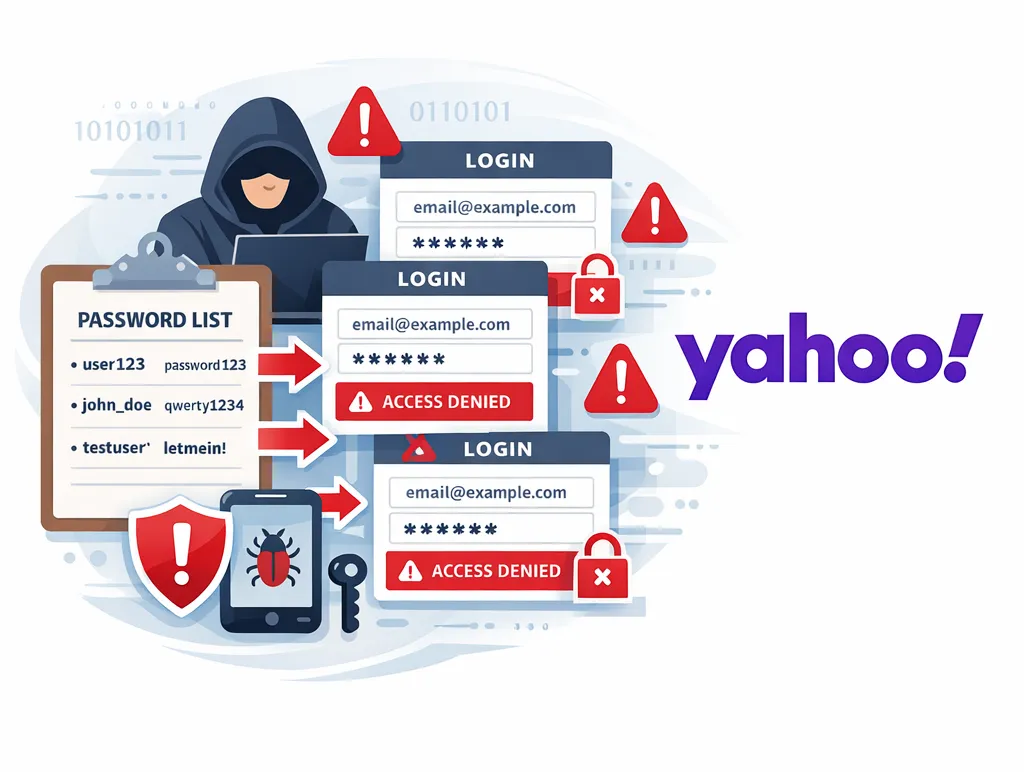
Yahoo suffered a significant breach in 2014, which was eventually linked to broken authentication and poor session management. Attackers gained access to Yahoo's email accounts through stolen login credentials.
The stolen credentials were likely the result of credential stuffing attacks, in which attackers used usernames and passwords from other breached websites to try to log in to Yahoo accounts.
This breach, affecting 3 billion accounts, showed how attackers can exploit weak authentication, especially when measures like MFA and rate-limiting are not in place.
Example 3: The Twitter Hack (2020)
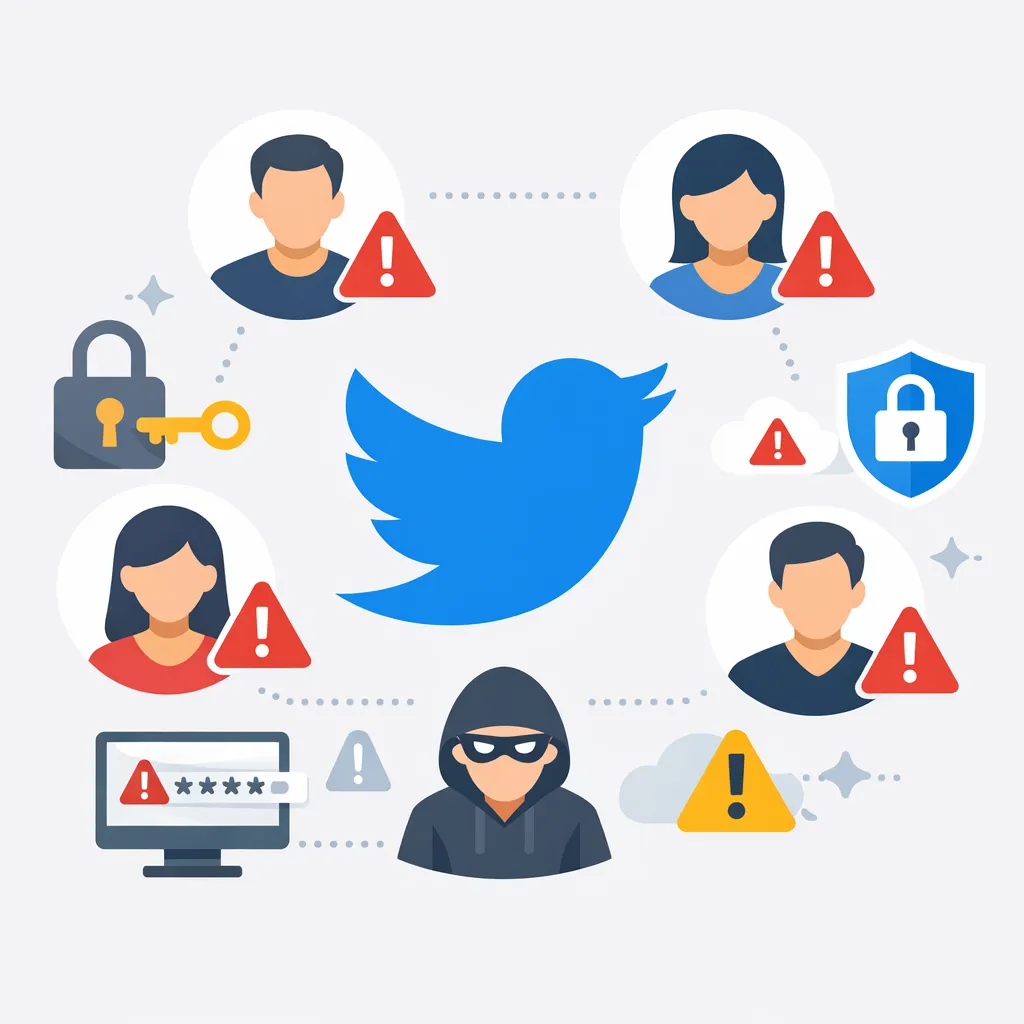
In 2020, a high-profile attack on Twitter saw hackers gain access to celebrity accounts (like Barack Obama, Elon Musk, and Jeff Bezos) through a social engineering attack targeting Twitter employees.
The attackers used internal tools to bypass authentication and take control of high-profile accounts. This breach involved both broken authentication and poor internal access controls.
The Twitter hack emphasized how not only weak user authentication but also improper session management and internal security controls can lead to significant breaches.
It also demonstrated the risk of privilege escalation, in which attackers gain access to accounts with higher permissions (such as admin accounts) by exploiting weak internal policies.
Additional Best Practices for Securing Login Systems
While we’ve covered key prevention methods for broken authentication and session management, here are a few more best practices that can further improve the security of your login systems.
1. Regularly Update and Patch Authentication Systems
Security vulnerabilities are constantly being discovered, so it’s important to keep your authentication systems up to date.
This includes applying patches for known vulnerabilities, updating third-party libraries, and staying on top of emerging security threats.
Many security breaches occur because systems are not properly maintained. Automated vulnerability scanners can help detect weaknesses in your authentication flow and throughout your application.
Regular website maintenance is crucial for keeping your systems secure.
2. Use Stronger Authentication Methods
For a safer and more convenient experience, use biometric authentication (such as fingerprint or facial recognition). Biometrics can reduce the reliance on passwords alone and help strengthen your login systems.
For systems where passwordless authentication is an option (using magic links or biometric logins), this can improve both security and user experience.
FIDO2 standards are a good option for implementing passwordless login systems that are both secure and user-friendly. Whether you're developing mobile applications or web platforms, modern authentication methods enhance security.
3. Educate Users About Secure Authentication
While technical controls are essential, educating users about how to create secure passwords and the importance of multi-factor authentication is equally crucial.
Try sending users tips or reminders to change their passwords regularly or to set up MFA on their accounts. Understanding common phishing attempts can also help users protect their accounts from social engineering attacks.
Remember, awareness is key!
4. Implement Adaptive Authentication
Adaptive authentication is a process that dynamically adjusts safety measures based on the risk level of the login attempt.
For example, if a user logs in from a new location or device, the system might prompt for additional authentication factors (like a second-factor code).
This risk-based approach helps ensure that suspicious login attempts are given additional scrutiny, while legitimate users can access their accounts more easily.
Conclusion
Securing your login systems is one of the most critical aspects of protecting your application and users. Broken authentication and poor session management open up significant vulnerabilities that attackers can easily exploit.
If it’s weak passwords, a lack of multi-factor authentication, or poor session handling, these flaws will lead to serious security breaches.
Consistently enforce strong passwords, use multi-factor authentication, manage sessions securely, and apply regular updates to reduce the risk of broken authentication and protect your user accounts.
Remember, authentication is the gatekeeper to your system—if it's not secure, everything else is at risk.
Take your time to assess and improve your login systems, and you'll be well on your way to building a safer, more secure web application!
Common Questions About Broken Authentication
- What is broken authentication?
Broken authentication occurs when attackers can bypass or exploit weaknesses in your login system to gain unauthorized access to user accounts. - How does broken authentication happen?
It can happen due to weak passwords, inadequate session management, flaws in the login process, or a lack of multi-factor authentication. - What is session management in the context of broken authentication?
Session management ensures that a user’s session remains secure after logging in. Flawed session management will let hackers seize active sessions. - How can I secure my login system?
Secure your login system by enforcing strong password policies, using multi-factor authentication, properly managing sessions, and regularly auditing your authentication mechanisms. - Why is multi-factor authentication important?
Multi-factor authentication increases safety by mandating a second form of identification, even if a password is stolen. - What are the risks of weak session management?
Weak session management can result in session hijacking, in which attackers take session tokens and impersonate legitimate users. - How does credential stuffing relate to broken authentication?
Credential stuffing attacks occur when attackers use stolen credentials from other breaches to try to log into accounts, exploiting weak or reused passwords. - What is adaptive authentication?
Adaptive authentication adjusts the security measures based on the risk of the login attempt. It requires additional authentication if suspicious activity is detected. - How do I detect broken authentication vulnerabilities?
Regularly audit your login system for flaws, use security testing tools, and ensure that your authentication methods are up to date and follow best practices. - What are some common examples of broken authentication attacks?
Common attacks include brute-force login attempts, session hijacking, social engineering attacks, and exploiting weak password reset mechanisms.

About Author
Tanzim Sarwar TazTanzim Sarwar Taz is a content writer with 7+ years of experience creating in-depth content on SEO, technology, web development trends, and AI-driven search. His work focuses on emerging topics such as AEO, GEO, search experience optimization, artificial intelligence, and modern web technologies, delivering practical insights backed by research and industry developments.